IntroductionThis detailed guide will walk you through the process of installing EVDTV on various devices, including Firestick/Fire TV and Android. EVDTV is a highly popular IPTV player that allows users to stream live channels. Many users enhance their streaming experience by pairing EVDTV with live TV
Installing and Utilizing the EVDTV App on Firestick and Android

Contents
Introduction
This detailed guide will walk you through the process of installing EVDTV on various devices, including Firestick/Fire TV and Android. EVDTV is a highly popular IPTV player that allows users to stream live channels. Many users enhance their streaming experience by pairing EVDTV with live TV services and free M3U playlists.
EVDTV: A Popular IPTV Player
EVDTV is a widely used IPTV player that enables users to stream live channels. It has gained popularity due to its compatibility with various platforms and the ability to enhance the streaming experience when used in conjunction with live TV services and free M3U playlists.
- To use EVDTV, you need to have an M3U URL from your current IPTV provider, as it is required to create a playlist. This makes EVDTV a great choice for playback, especially since most IPTV services provide login information through M3U URLs.
- Compared to other similar programs, EVDTV offers a quicker and more user-friendly interface, making navigation a breeze for its users.
Why VPN is Important
When pairing with unverified IPTV providers, it is strongly recommended to use a VPN for added security and privacy. A VPN, or Virtual Private Network, helps protect your online identity by encrypting your connection and masking your IP address and location. By using a VPN, you can stream anonymously and reduce the risks associated with unauthorized streaming.
How to Install EVDTV on Firestick/Fire TV
If you own an Amazon Firestick or Fire TV and want to install EVDTV, follow the step-by-step instructions below. Please note that the same process can be applied to all models of the Amazon Firestick, Fire TVs, and Fire TV Cube.
- Step 1: Install the Downloader app from your device’s App Store, such as the Amazon App Store or Google Play. Additionally, ensure that the “Apps from Unknown Sources” option is enabled in the settings of your device. If you haven’t enabled this option yet, you can refer to the tutorial provided below for a simple walkthrough.
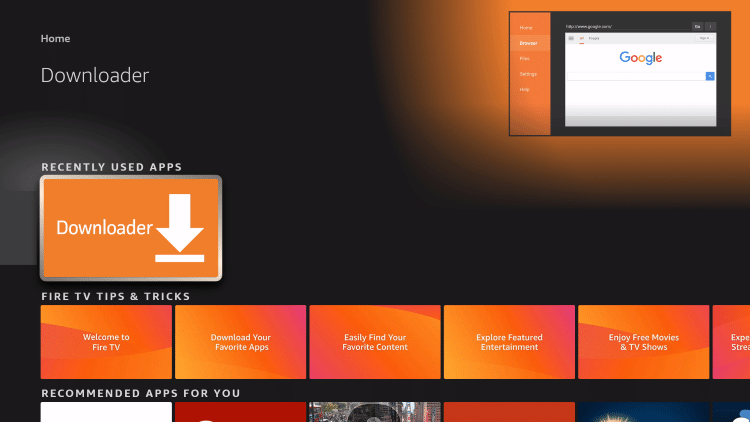
- Step 2: Launch the Downloader app on your device.
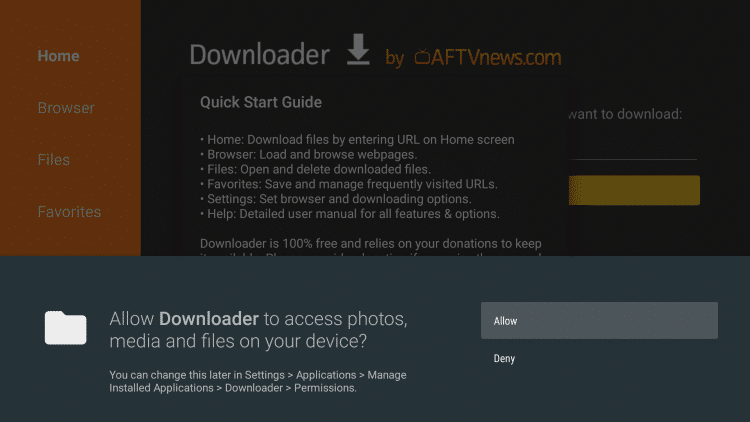
- Step 3: Click on “Allow” when prompted with app permissions.
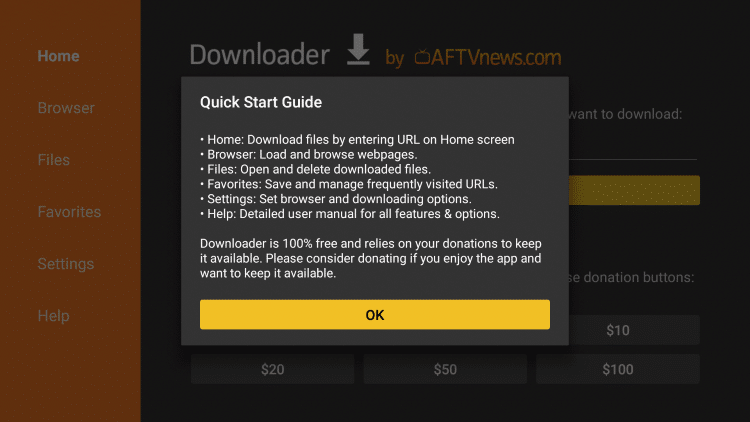
- Step 4: Click on “OK” to dismiss any additional information or update prompts.
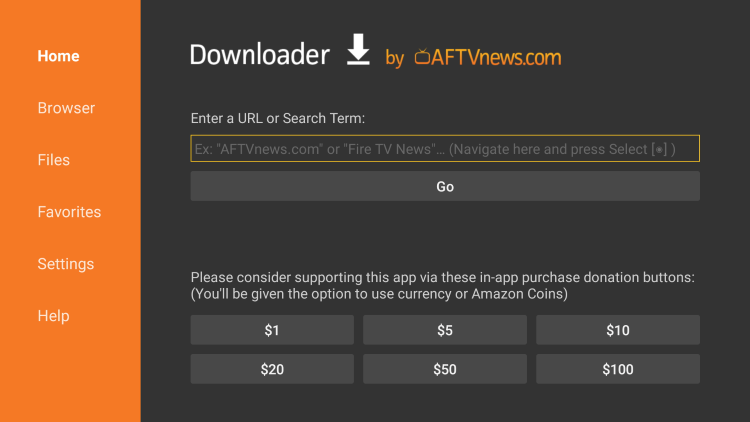
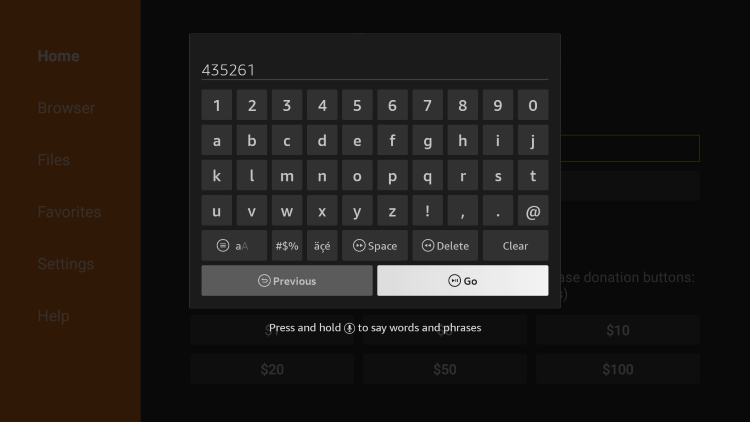
- Step 5: Click on the URL box within the Downloader app.
- Step 6: Enter the provided Downloader code, which in this case is 435261. This code will help download the official source of the EVDTV app.
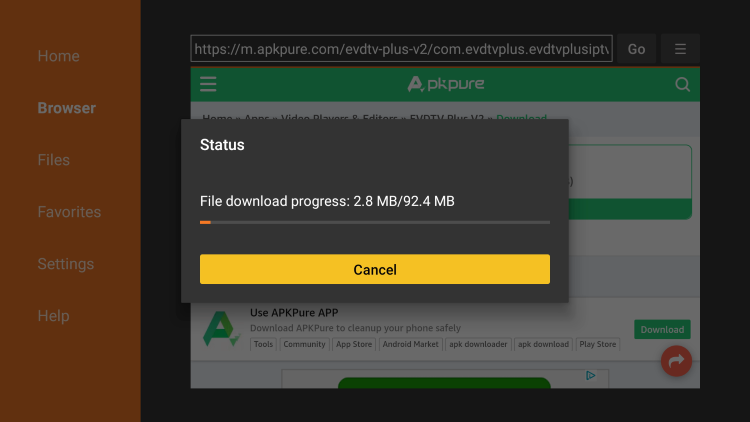
- Step 7: Wait for the EVDTV app to download and install on your device.
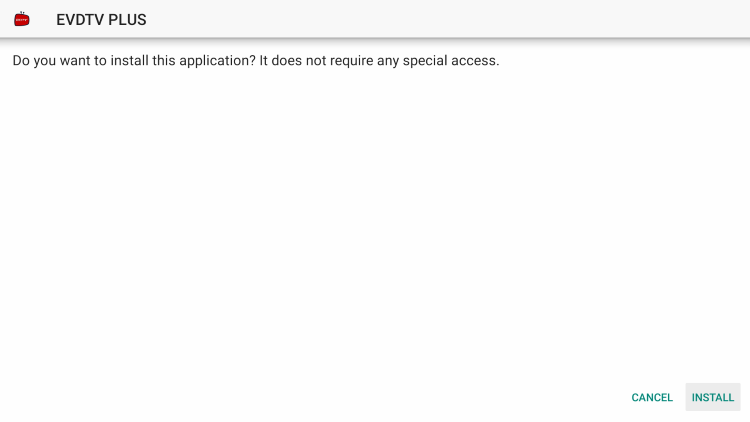
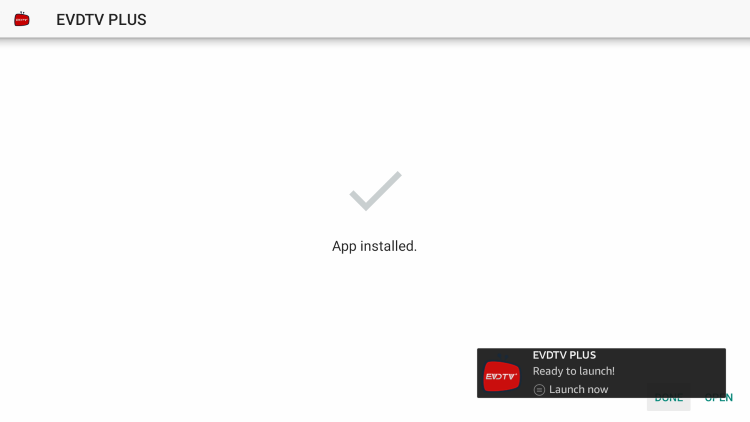
- Step 8: Click on the “Install” button once the installation process is complete.
- Step 9: Choose whether to launch the app right away or click “Open” to do so later.
- Step 10: Once you’ve launched the EVDTV app, wait a few seconds for it to load.
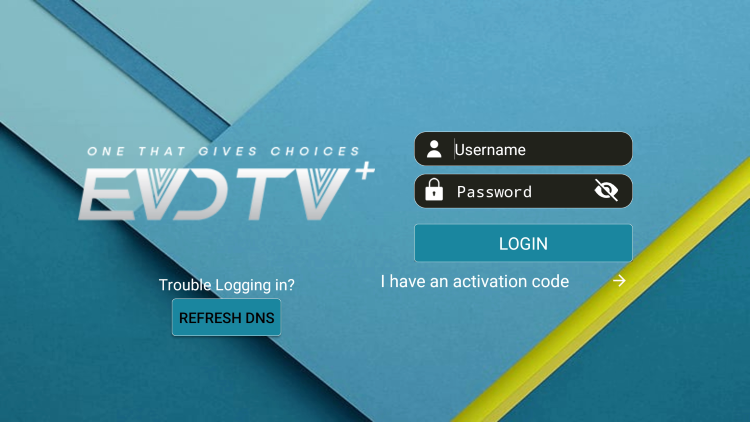
- Step 11: Congratulations! You have successfully installed EVDTV on your Firestick/Fire TV device. Now, you can log in if you have an existing account or register with an activation code to start streaming.
EVDTV: Information & Features
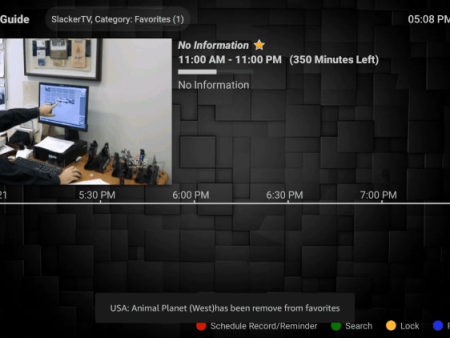
EVDTV is known for its compatibility with almost all IPTV services that provide an M3U URL. In addition to live channel streaming, this app offers a range of features to enhance your viewing experience.
- EVDTV allows users to record their favorite shows and programs.
- You have the option to add external players for an even more personalized experience.
- Customizing your favorite channels within the app is also possible.
Overall, if you are using an IPTV service on a Firestick/Fire TV or Android device, pairing it with EVDTV can greatly enhance your streaming experience, thanks to its user-friendly interface and additional features.

Frequently Asked Questions
What is EVDTV?
EVDTV is a popular IPTV player that allows users to stream live channels. It can be paired with any IPTV service, making it a preferred choice for those looking to improve their streaming experience.
Is EVDTV legal?
Yes, EVDTV is 100% legal to install and use. You can find the app in the Amazon App Store or Google Play Store, ensuring its legitimacy.
Is this Live TV Player safe?
Absolutely! This Live TV Player, EVDTV, is safe to install and use. It has been vetted by trusted platforms like Amazon and Google, ensuring its security.
What devices can this Live TV Player be installed on?
EVDTV is compatible with any device that runs on the Android operating system, including the Amazon Firestick, Fire TV, and other Android devices. This wide range of compatibility allows users to enjoy EVDTV on various devices.
Conclusion
EVDTV is a highly popular IPTV player that streamlines the process of streaming live channels. By following the installation instructions, you can easily install EVDTV on your Firestick/Fire TV or Android device, enhancing your overall streaming experience. With its user-friendly interface and additional features, EVDTV is a valuable tool to pair with your favorite IPTV service. Remember, for added security and privacy, it is recommended to use a VPN when pairing with unverified providers. So, get ready to enjoy seamless streaming with EVDTV!


Recent News