This guide will show you how to install Cine Vision V4 on Firestick/Android and provide a comprehensive review of its features, settings, and much more.Introduction to Cine Vision V4Cine Vision V4 is a highly popular and free streaming app that offers a vast library of free movies, TV shows,
Installing Cine Vision V4 on Firestick/Android: A Step-by-Step Guide to Enjoy Free Movies

Contents
- 1 This guide will show you how to install Cine Vision V4 on Firestick/Android and provide a comprehensive review of its features, settings, and much more.
- 1.1 Introduction to Cine Vision V4
- 1.2 Categories and Compatibility
- 1.3 Safety and Recommendations
- 1.4 Cine Vision V4 Highlights
- 1.5 Screenshots
- 1.6 How to Install Cine Vision V4 on Firestick/Android
- 1.7 Cine Vision V4 – Features & Details
- 1.8 Cine Vision V4 FAQ
- 1.9 What is Cine Vision V4?
- 1.10 Is Cine Vision V4 APK Legal?
- 1.11 Is Cine Vision V4 APK Safe?
- 1.12 What Devices can this Streaming App be Installed On?
This guide will show you how to install Cine Vision V4 on Firestick/Android and provide a comprehensive review of its features, settings, and much more.

Introduction to Cine Vision V4
Cine Vision V4 is a highly popular and free streaming app that offers a vast library of free movies, TV shows, documentaries, and much more. With its user-friendly interface and extensive content selection, Cine Vision V4 has gained immense popularity among streaming enthusiasts.
Many users choose to pair Cine Vision V4 with IPTV services as it provides a wide range of video-on-demand (VOD) content that may not be offered by live TV providers making it suitable for individuals who prefer a more comprehensive streaming experience.
Moreover, alongside Cinema HD, Cine Vision V4 is one of the most widely used streaming apps for those who jailbreak their Firesticks to access unrestricted content.
It is essential to note that the application caters more towards Spanish-speaking individuals as it has topped the Google Play Store rankings in Brazil and other Latin American regions. Similar to MegaFlix, another popular app in Spanish-speaking countries, Cine Vision V4 has gained immense popularity among this demographic.
Categories and Compatibility
Cine Vision V4 offers a wide range of categories to cater to different entertainment preferences. Users can choose from genres such as entertainment, comedy, family, action, adventure, horror, documentaries, anime, and more. This diverse selection ensures that there is something for everyone.
Furthermore, Cine Vision V4 can be easily installed on any Android-powered device, including the Amazon Firestick, Fire TV, Fire TV Cube, NVIDIA Shield, and other compatible devices. However, it is important to note that the application is mostly optimized for Android mobile devices and tablets.
Safety and Recommendations
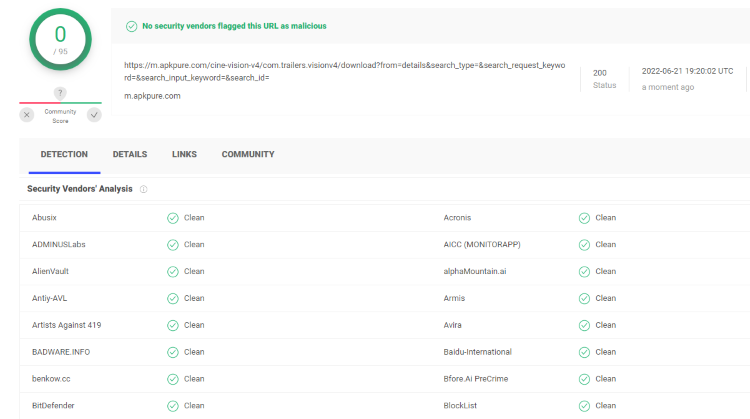
Prior to installing Cine Vision V4, it is advisable to scan the official Android APK installation file with an antivirus tool, such as VirusTotal. This step ensures that the APK file is free from suspicious files or malware that could potentially harm your device or compromise your data.
While the VirusTotal scan results have not detected any issues with the Cine Vision V4 APK file, it is always recommended to take precautions when streaming content from third-party apps. To enhance your security and privacy, it is strongly advised to use a reliable VPN (Virtual Private Network). A VPN encrypts your connection, masking your IP address and protecting your online activities from prying eyes.

Cine Vision V4 Highlights
- Cine Vision V4 is a 100% free streaming app that offers an extensive collection of movies and TV series in various genres.
- It is optimized for Android mobile devices and tablets, ensuring a smooth streaming experience.
- The app is VPN-friendly, enabling users to safeguard their privacy and security while streaming.
- Cine Vision V4 caters specifically to Spanish-speaking individuals, delivering content that appeals to this audience.
- It is compatible with a range of devices, including Firestick/Fire TV and Android devices.
- Installing the Cine Vision V4 APK using the Downloader app is a straightforward process.
- The app offers various settings configurations to personalize the streaming experience.
- Cine Vision V4 features a favorites manager, allowing users to easily access their preferred content.
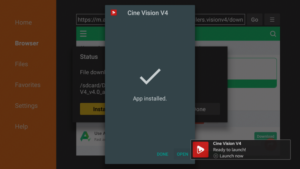
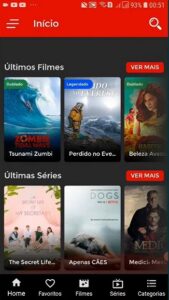
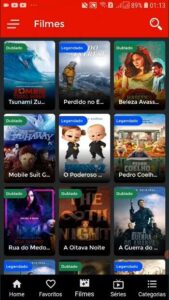
Screenshots
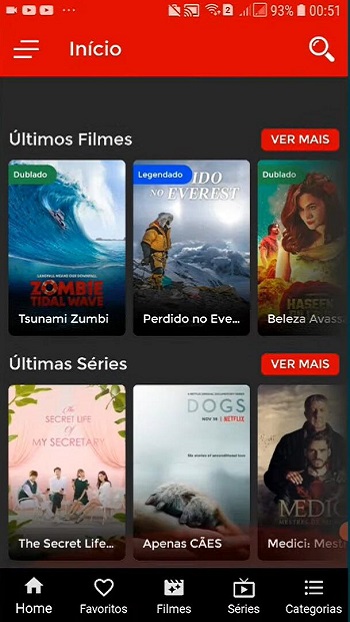
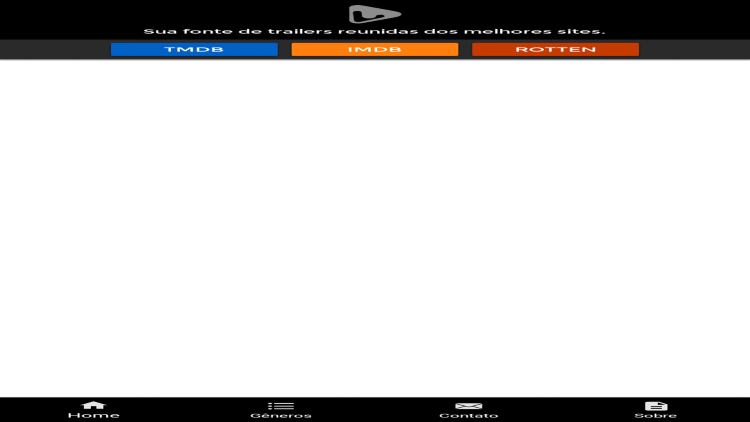
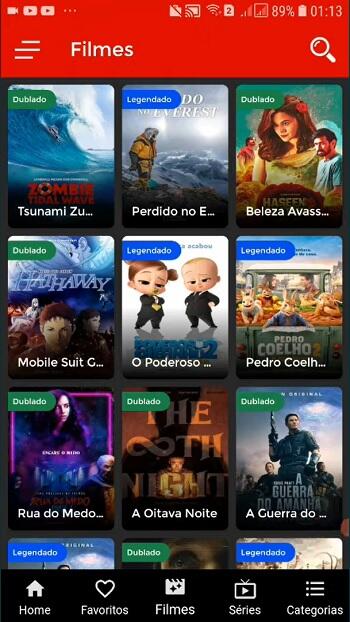
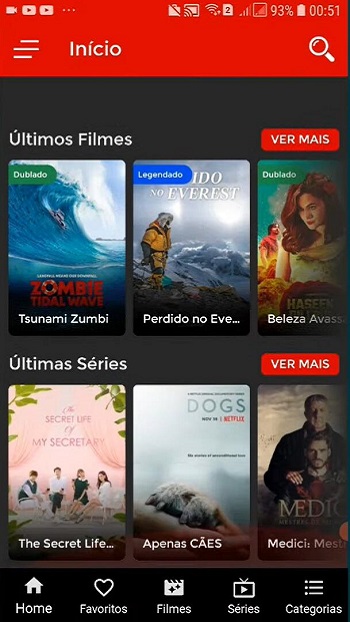
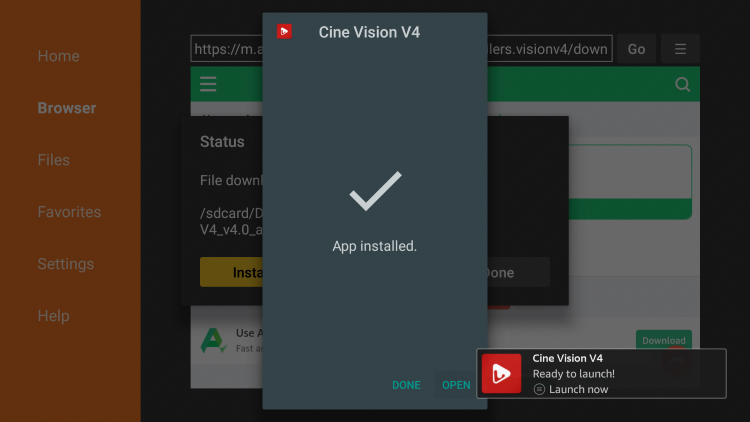
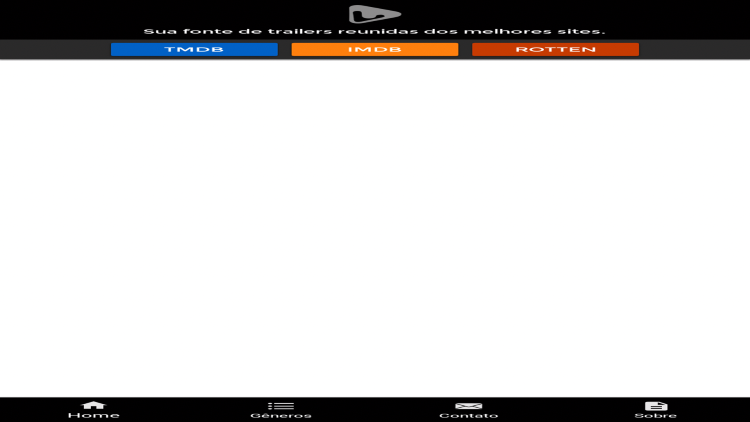
Here are some screenshots of the Cine Vision V4 app:
How to Install Cine Vision V4 on Firestick/Android
Cine Vision V4 can be easily installed on various popular streaming devices, including Amazon Firestick, Fire TV, NVIDIA Shield, Android TV Boxes, Chromecast, Android phones, tablets, and any device running the Android operating system.
Before proceeding with the installation, it is important to install the Downloader app on your device. The Downloader app simplifies the process of downloading and installing APK files.
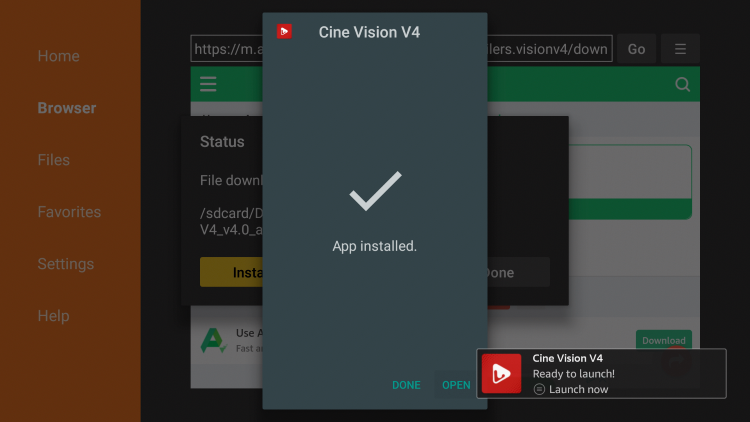
Here’s a step-by-step guide to install Cine Vision V4 on Firestick/Android:
1. Launch the Downloader app.
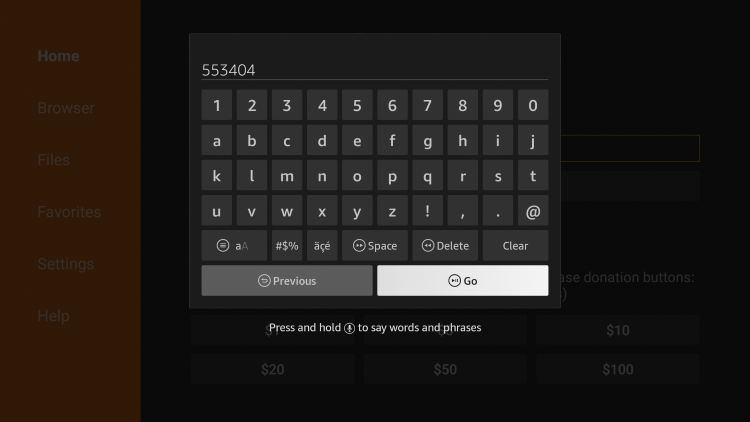
2. Enter the Downloader code “553404” and click Go.
- This code will direct you to the official source of Cine Vision V4 for Firestick.
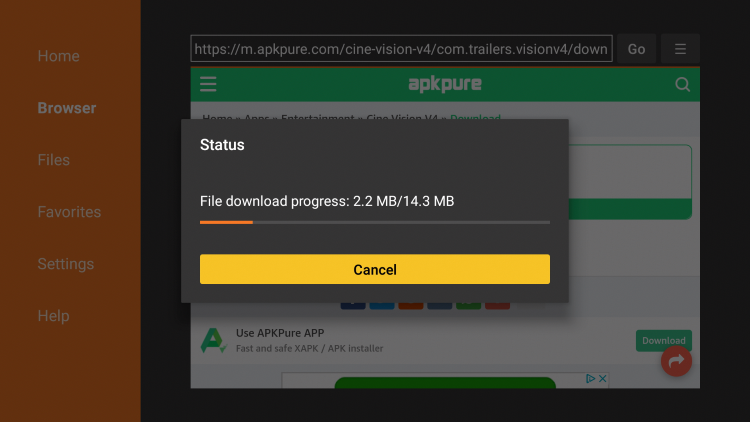
3. Wait for the app to download.
4. Click Install.
5. Click Open or Done.
6. If prompted, click OK to grant necessary permissions.
7. Congratulations! You have successfully installed Cine Vision V4 on your Firestick.
Now you can enjoy a wide range of movies, TV shows, documentaries, and other content through Cine Vision V4!
Cine Vision V4 – Features & Details
Cine Vision V4 stands out as a popular streaming app due to its impressive features and details.
Some key aspects of Cine Vision V4 include:
- A vast collection of free movies, TV shows, and documentaries.
- Optimization for Android mobile devices and tablets.
- VPN friendly, allowing users to maintain their privacy while streaming.
- A strong emphasis on content for Spanish-speaking individuals.
- Compatibility with Firestick, Fire TV, and various Android devices.
- Easy installation process using the Downloader app.
- Settings configuration for a personalized streaming experience.
- Favorites manager for quick access to preferred content.
Cine Vision V4 FAQ
What is Cine Vision V4?
Cine Vision V4 is an application designed for streaming devices, such as Firestick, that allows users to watch free movies and TV shows.
Is Cine Vision V4 APK Legal?
Yes, Cine Vision V4 APK is legal to install and use. However, it is important to note that some of the content provided may be illegal. To ensure that you are not engaging in illegal streaming, it is recommended to watch only movies and TV shows that are within the public domain.
Is Cine Vision V4 APK Safe?
After a thorough scan with VirusTotal, the official Cine Vision V4 APK file has been found to be safe and free from suspicious files or malware. However, it is always advisable to use a VPN to protect yourself from potential risks associated with third-party app developers, hackers, and your internet service provider.
What Devices can this Streaming App be Installed On?
Cine Vision V4 can be installed on a wide range of devices, including the highly popular Amazon Firestick, Android devices, NVIDIA Shield, and more. Its compatibility and availability on various platforms ensure that users can enjoy their favorite content on their preferred devices.
With its extensive content library, user-friendly interface, and compatibility across multiple devices, Cine Vision V4 provides an excellent streaming experience for users seeking a diverse range of movies, TV shows, documentaries, and more.


Recent News